Introduction
The iPad Air is a remarkable tool for both entertainment and productivity. However, to get the maximum utility from this device, investing in a quality case with a keyboard is crucial. Not only does it safeguard your device, but it also enhances your typing experience by turning your iPad Air into a functional workstation. In this article, we will explore why these cases have become essential, the key features to consider, and the best options available in 2024.
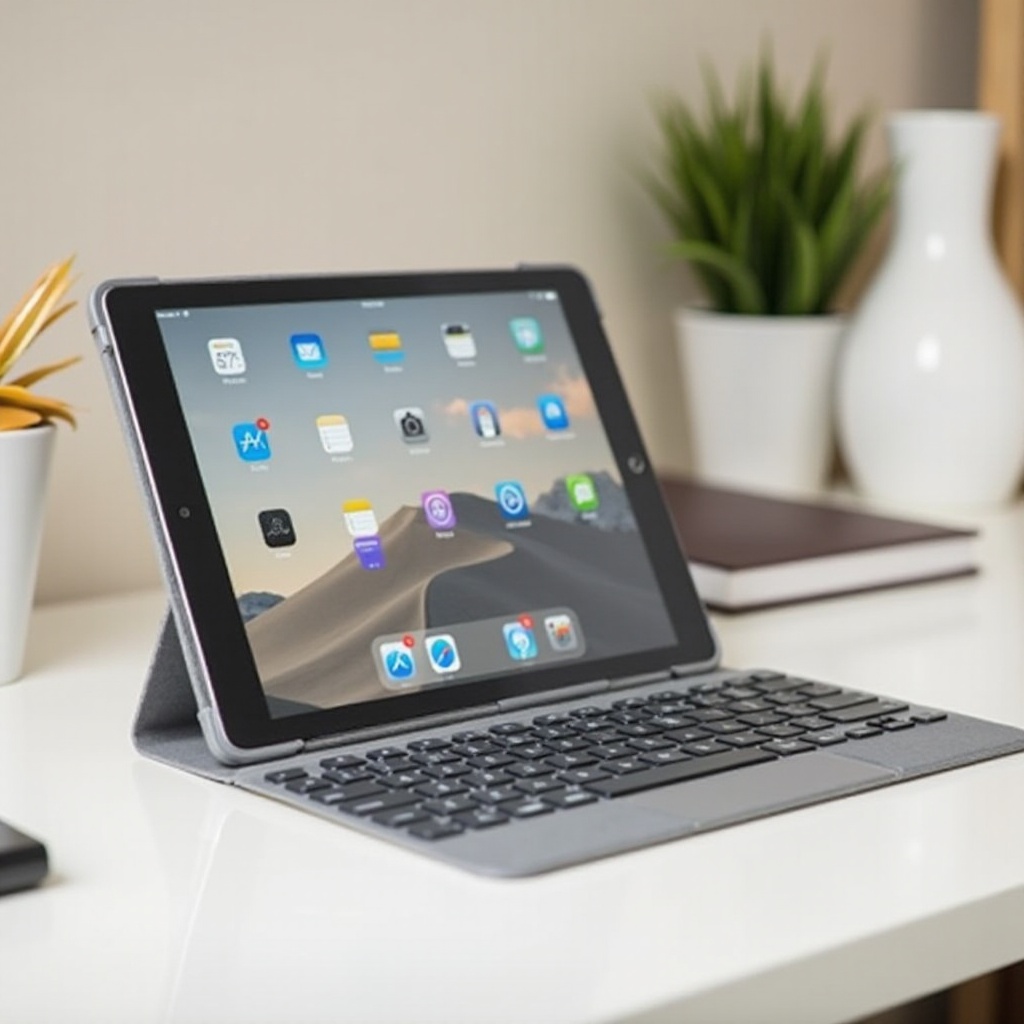
Why You Need an iPad Air Case with a Keyboard
An iPad Air case with a keyboard offers a perfect blend of protection and functionality.
-
Protection: The primary purpose of a case is to shield your iPad from accidental bumps, scratches, and falls. A robust case ensures your device’s longevity.
-
Enhanced Productivity: A built-in keyboard transforms your iPad into a mini laptop, making it easier to type emails, documents, and more with speed.
-
Portability: A keyboard-integrated case eliminates the need to carry additional accessories, promoting lighter travel efficiency.
For frequent iPad users, marrying protection with productivity benefits is a considerable advantage. Let’s delve into what features make a superior keyboard case.
Key Features to Look for in an iPad Air Case with Keyboard
When choosing an iPad Air case with a keyboard, several features should be prioritized:
-
Design and Durability: Choose materials like rigid plastic or leather, offering a good balance of protection alongside style. Durable cases lead to longer device usage.
-
Keyboard Responsiveness: Ensure the keyboard feel is comfortable and that keys provide responsive feedback, with features like backlighting and short key travel enhancing the experience.
-
Battery Life and Connectivity: Opt for wireless keyboards, preferably with Bluetooth capabilities and a long battery life that minimizes frequent charging needs.
Understanding these features will aid in selecting a case that aligns with your needs best. Next, we’ll explore the top picks for 2024.
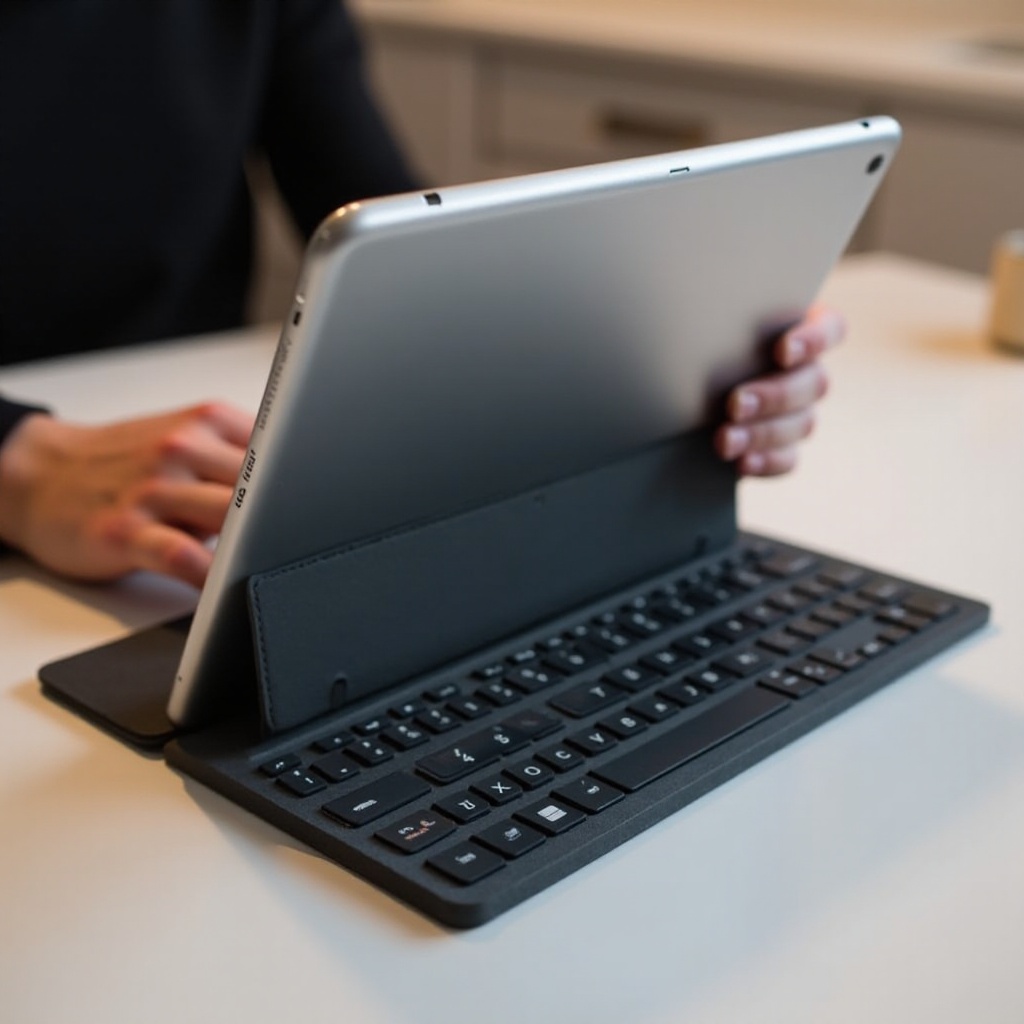
Top 5 iPad Air Cases with Keyboards for 2024
To streamline your choices, we’ve analyzed various options offering the best functionality and design blend.
- Case 1: Logitech Slim Folio Pro
- Offers a well-spaced backlit keyboard with iOS shortcut keys.
-
Provides a sturdy bumper for comprehensive device protection.
-
Case 2: Brydge Air MAX+
- Features a magnetic snap-on case with a large, precise trackpad.
-
Built from durable materials with flexible hinge support for multiple viewing angles.
-
Case 3: ZAGG Pro Keys Wireless Keyboard
- Equipped with multi-device pairing and a detachable keyboard.
-
Lightweight polycarbonate shell provides enhanced durability.
-
Case 4: Apple Magic Keyboard for iPad Air
- Boasts a floating design and integrated touchpad for seamless interaction.
-
Known for excellent key travel and Apple-quality responsiveness.
-
Case 5: Fintie Keyboard Case
- Offers affordability without sacrificing key features.
- Lightweight with a detachable keyboard available in various colors.
Each of these cases brings unique advantages, be it through enhanced protection, innovative design, or superior keyboard quality.
Comparison of Keyboard Cases
For decision ease, here’s a quick comparison of the top picks based on key features and pricing:
- Keyboard Excellence: Logitech Slim Folio Pro and Apple Magic Keyboard excel in tactile feedback.
- Durability: Brydge Air MAX+ and ZAGG Pro Keys stand out for robust construction.
- Budget Considerations: The Fintie Keyboard Case provides great value for budget-conscious buyers.
Assessing these attributes will help flag the best choice for your particular needs. Let’s now detail how to select the ideal case for your priorities.

How to Choose the Right Keyboard Case for Your Needs
Selecting the right iPad Air case with a keyboard becomes straightforward when broken down into key considerations:
-
Assess Usage: Estimate the frequency of keyboard use and environments where it’ll be used, as heavy usage might warrant a higher investment.
-
Budget: Determine your budget range. Premium models deliver cutting-edge features, yet quality choices exist at every price tier.
-
Check Compatibility: Verify that the case is designed for your specific iPad Air model to assure a precise fit.
Factoring in these elements renders the decision process clear-cut. Once you’ve selected your case, maintaining it becomes essential for longevity.
Maintenance Tips for Your iPad Air Keyboard Case
Ensure your case and keyboard remain in top condition with these maintenance tips:
-
Cleaning: Regularly wipe the case with a damp cloth and gentle cleaner to eliminate dust and grime. Compressed air can clean the spaces between keys.
-
Charging Habits: Adhere to the manufacturer’s instructions for charging to maintain battery health and longevity.
Following these simplistic care practices will keep your keyboard case functioning optimally over the years. Now, we’ll bring together our final thoughts on these options.
Conclusion
In summary, investing in an iPad Air case with a keyboard is a wise choice for anyone aiming to enhance both productivity and protection. By evaluating critical features and examining the top models, you can select a case that perfectly meets your requirements. We trust this guide will be instrumental in your search for the best iPad Air case with a keyboard for 2024.
Frequently Asked Questions
What is the most durable iPad Air case with a keyboard?
The Brydge Air MAX+ is noted for its robust design and durability.
Can I use these cases with older iPad models?
Most cases are model-specific. Ensure the case is compatible with the older iPad model before purchasing.
How often should I charge my keyboard case?
Depending on usage, most keyboards need charging every few weeks. Follow the manufacturer’s charging guidelines for the best results.