Introduction
Lines on your Samsung TV screen can greatly disrupt your viewing experience. These annoying lines, whether vertical or horizontal, indicate underlying problems in your TV that need attention. Understanding the root causes and exploring effective solutions can help restore your TV’s performance and prevent future issues.
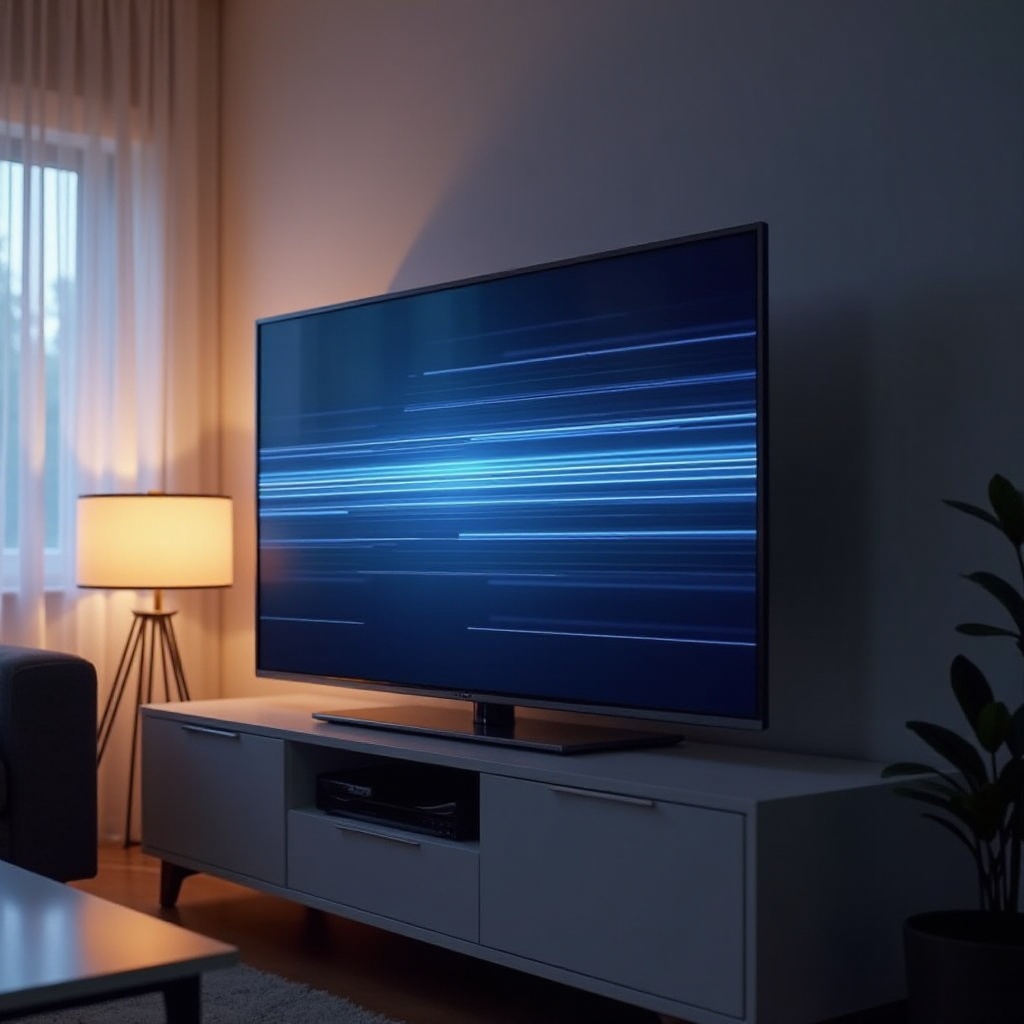
Common Causes of Samsung TV Lines
To efficiently address screen line issues, it’s crucial to identify potential causes:
-
Hardware Issues: Damaged screen panels or internal components can result in persistent lines. Sometimes, these issues arise from physical damage or manufacturing defects.
-
Software Glitches: An outdated or corrupted software version can disrupt display functions, leading to line issues.
-
Connection Problems: Poor connections or faulty cables between the TV and external devices may manifest as lines, affecting picture quality.
Recognizing these causes helps you in the initial troubleshooting steps, ensuring the effectiveness of each action taken.
Quick Troubleshooting Steps
Now that you know what might be causing the lines, it’s time to take action using quick troubleshooting methods:
-
Power Cycling the TV: Turn off your TV and unplug it from the power source. Wait for at least 60 seconds before plugging it back in and switching it on. This resets the TV system and may resolve any temporary glitches.
-
Checking Cable Connections: Verify that all cables, especially HDMI, are firmly connected to your TV and other devices. Sometimes, simply securing a loose connection can solve the problem.
-
Examining Input Sources: Determine if the lines appear across different input sources like cable boxes, streaming devices, or gaming consoles. If lines are consistent, the issue likely originates within the TV.
These steps can often address screen lines. However, if the problem persists, more in-depth solutions might be necessary.
Advanced Solutions for Persistent Lines
When basic troubleshooting doesn’t resolve the problem, consider advanced solutions:
-
Updating the TV Software/Firmware: Visit the TV’s settings menu to check for available software updates. Regular updates can fix underlying software issues causing screen anomalies.
-
Performing a Factory Reset: A factory reset can remove disruptive software glitches by restoring the TV to its original settings. Make sure to back up any preferences or saved settings before proceeding.
-
Professional Repair Options: Should self-troubleshooting fail, it’s prudent to consult with a technician. Contact Samsung customer service for repair options or visit an authorized service center.
These advanced methods target underlying technical problems and are usually implemented when initial troubleshooting doesn’t work.
Preventive Measures to Avoid Screen Lines
Preventing screen line issues can save you time and stress in the long run. Employ these preventive measures to maintain your TV’s health:
-
Proper TV Setup and Positioning: Ensure the TV is securely placed in a stable position and away from potential physical hazards that could cause internal damage.
-
Regular Maintenance and Cleaning: Periodically clean connections and screen surfaces to prevent dust and dirt buildup that might lead to malfunction.
-
Environmental Considerations: Avoid extreme temperatures or high humidity levels, as they can contribute to screen lines or degrade screen quality over time.
Taking these steps will not only help in preventing issues but also enhance your TV’s longevity and functionality.
When to Consult Professional Services
If you’ve followed all troubleshooting steps and preventive measures yet the issue remains unsolved, it might be time to seek professional assistance:
-
Signs It’s Time for Expert Help: Persistent or worsening lines despite self-troubleshooting indicate the necessity for professional diagnostics.
-
Understanding Warranty and Repair Claims: Review your TV’s warranty before opting for external repairs, as many issues may be covered free of charge under warranty terms.
-
Finding Authorized Samsung Repair Centers: Ensure repairs are conducted by authorized centers to maintain warranty validity and effective solutions.
Professional services offer the expertise and tools necessary for resolving more complex issues, guaranteeing your TV returns to optimal performance.
Conclusion
Screen lines on your Samsung TV can be frustrating, but proactive troubleshooting and preventive care can significantly reduce these issues. From quick fixes to engaging professional repair services, each method outlined aids in maintaining a seamless and enjoyable viewing experience. Act promptly at the first sign of trouble to preserve your television’s longevity and performance.
Frequently Asked Questions
What causes lines on my Samsung TV screen?
Lines may result from hardware faults, software glitches, or connectivity problems. Identifying the cause guides the appropriate solution.
How can I fix horizontal lines on my Samsung TV?
Start by checking connections and resetting the TV. If unresolved, consider software updates or professional repair.
Is it worth repairing a Samsung TV with screen lines?
Repair is worthwhile for valuable TVs, particularly within warranty. Evaluate repair costs versus replacement factors for informed decisions.