How to Bind Smart Watch to Phone

Introduction

Binding your smartwatch to your phone opens up a world of opportunities. From tracking your fitness journey to managing calls and messages hands-free, the integration is seamless once you get it right. However, the synchronization process might seem a bit tricky if you’re doing it for the first time. This guide will walk you through all the steps you need to take to bind your smartwatch to your phone effectively. Whether you have an Android or an iOS device, these instructions will help you enjoy all the smart features in no time.
Preparation

Before diving into the setup process, it’s crucial to gather all necessary tools and ensure compatibility. Here’s what you need to do:

  1. Verify Compatibility: Ensure that your smartwatch is compatible with your smartphone. This information is typically available on the smartwatch’s official website or user manual.
  2. Charge Your Devices: Both your smartwatch and phone should be fully charged to prevent the setup process from halting unexpectedly due to low battery.
  3. Install Necessary Apps: Most smartwatches require specific applications to be installed on your smartphone. For instance, Apple Watch uses the ‘Watch’ app, while many Android smartwatches utilize the ‘Wear OS’ app.
  4. Bluetooth Enabled: Make sure Bluetooth is enabled on your smartphone. This is essential for pairing the devices.

Having completed these preliminary checks, you’re now ready to move on to the initial setup stage.

Initial Setup

To get started with the initial setup, follow these steps:

  1. Turn on Your Smartwatch: Press and hold the power button on your smartwatch until you see the brand logo appear on the screen.
  2. Select Language and Region: On the smartwatch, select your preferred language and region when prompted.
  3. Download Companion App: On your smartphone, download the specific app recommended for your smartwatch. For example, install the ‘Watch’ app for Apple Watches, or the ‘Wear OS’ app for various other brands.
  4. Create or Log into Account: Open the app on your phone; you may need to create a user account or log into an existing one. This enables synchronization of data between your devices.
  5. Set Permissions: The app may ask for permission to access various functions on your phone, such as location services, call logs, and notifications. Granting these permissions helps ensure a fully functional experience.

Having completed the initial setup, you’re now prepared to connect your devices.
how to bind smart watch to phone

Connecting the Devices

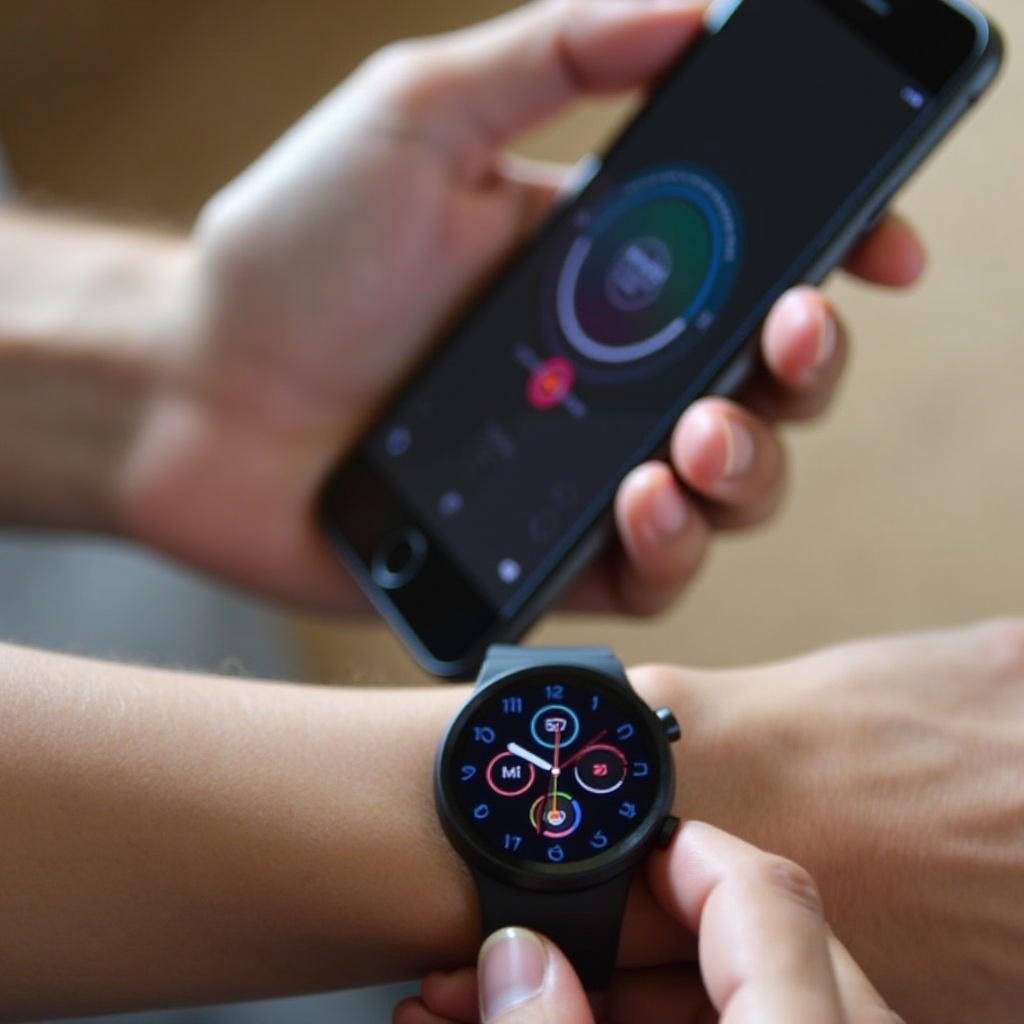
Connecting the smartwatch to your phone is the next step. Ensure your smartwatch is in pairing mode, then follow these guidelines:

  1. Open the Companion App: Launch the app installed on your phone during the initial setup.
  2. Start Pairing Process: In the app, find the option to start the pairing process. This may be labeled ‘Pair New Device’ or something similar.
  3. Select Your Smartwatch: Your phone will start scanning for available devices. Once your smartwatch appears on the list, select it.
  4. Confirm Code: You may be asked to confirm a code displayed on both your phone and the smartwatch. Ensure they match and confirm to proceed.
  5. Follow On-Screen Instructions: The app and the smartwatch may prompt you to follow additional steps to complete the pairing. This can include setting preferences such as notification settings or enabling certain smartwatch features.
  6. Synchronize Data: The final part of the process involves synchronizing data, which allows both devices to share information such as fitness tracking metrics, messages, and alerts.

Successfully pairing your smartwatch with your phone will allow you to leverage all the smart functionalities with ease.
Troubleshooting Common Issues

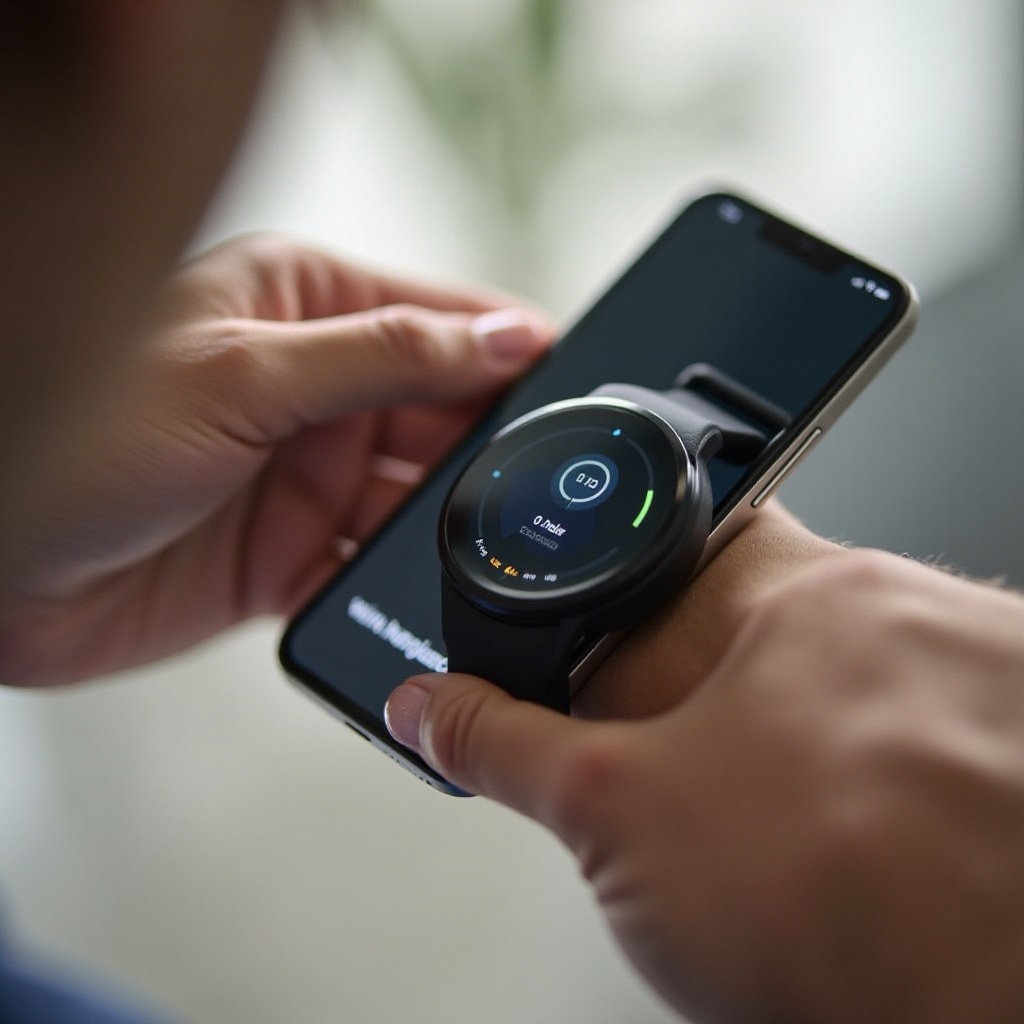
If something doesn’t go as planned, here’s how to troubleshoot some common issues:

  1. Connection Failure: Ensure both devices have Bluetooth turned on and are within range. Restart both your smartwatch and phone, then attempt to pair again.
  2. App Crashes: Clear the cache for the companion app or uninstall and reinstall it.
  3. Incompatibility Messages: Double-check the compatibility of your smartphone and smartwatch, looking out for any specific requirements listed by the manufacturer.
  4. Software Updates: Make sure your smartwatch and phone are running on the latest firmware/software versions.

By following these troubleshooting steps, you can resolve most connection issues and complete the binding process successfully.

Conclusion

Binding your smartwatch to your phone is a straightforward process if you carefully follow the steps outlined in this guide. From preparation and initial setup to connecting and troubleshooting, each stage is crucial for ensuring smooth operation. Whether for convenience, fitness tracking, or staying connected, a bound smartwatch enriches your daily life.

Frequently Asked Questions

How do I know if my smartwatch is compatible with my phone?

Check the smartwatch’s official website or user manual for compatibility information. Ensure the operating system (iOS or Android) of your phone matches the requirements needed by the smartwatch.

What should I do if my smartwatch won’t connect to my phone?

If your smartwatch won’t connect, ensure Bluetooth is turned on for both devices and they are within range. Restart both devices, clear the app cache, or reinstall the app.

Can I bind multiple smartwatches to a single phone?

Yes, you can bind multiple smartwatches to one phone. However, the procedure may vary depending on the companion app used. Usually, you can add additional devices in the app’s settings.

How to Bind Smart Watch to Phone

how to bind smart watch to phone

Introduction

Binding your smartwatch to your phone opens up a world of opportunities. From tracking your fitness journey to managing calls and messages hands-free, the integration is seamless once you get it right. However, the synchronization process might seem a bit tricky if you’re doing it for the first time. This guide will walk you through all the steps you need to take to bind your smartwatch to your phone effectively. Whether you have an Android or an iOS device, these instructions will help you enjoy all the smart features in no time.

Preparation

Before diving into the setup process, it’s crucial to gather all necessary tools and ensure compatibility. Here’s what you need to do:

  1. Verify Compatibility: Ensure that your smartwatch is compatible with your smartphone. This information is typically available on the smartwatch’s official website or user manual.
  2. Charge Your Devices: Both your smartwatch and phone should be fully charged to prevent the setup process from halting unexpectedly due to low battery.
  3. Install Necessary Apps: Most smartwatches require specific applications to be installed on your smartphone. For instance, Apple Watch uses the ‘Watch’ app, while many Android smartwatches utilize the ‘Wear OS’ app.
  4. Bluetooth Enabled: Make sure Bluetooth is enabled on your smartphone. This is essential for pairing the devices.

Having completed these preliminary checks, you’re now ready to move on to the initial setup stage.

Initial Setup

To get started with the initial setup, follow these steps:

  1. Turn on Your Smartwatch: Press and hold the power button on your smartwatch until you see the brand logo appear on the screen.
  2. Select Language and Region: On the smartwatch, select your preferred language and region when prompted.
  3. Download Companion App: On your smartphone, download the specific app recommended for your smartwatch. For example, install the ‘Watch’ app for Apple Watches, or the ‘Wear OS’ app for various other brands.
  4. Create or Log into Account: Open the app on your phone; you may need to create a user account or log into an existing one. This enables synchronization of data between your devices.
  5. Set Permissions: The app may ask for permission to access various functions on your phone, such as location services, call logs, and notifications. Granting these permissions helps ensure a fully functional experience.

Having completed the initial setup, you’re now prepared to connect your devices.

how to bind smart watch to phone

Connecting the Devices

Connecting the smartwatch to your phone is the next step. Ensure your smartwatch is in pairing mode, then follow these guidelines:

  1. Open the Companion App: Launch the app installed on your phone during the initial setup.
  2. Start Pairing Process: In the app, find the option to start the pairing process. This may be labeled ‘Pair New Device’ or something similar.
  3. Select Your Smartwatch: Your phone will start scanning for available devices. Once your smartwatch appears on the list, select it.
  4. Confirm Code: You may be asked to confirm a code displayed on both your phone and the smartwatch. Ensure they match and confirm to proceed.
  5. Follow On-Screen Instructions: The app and the smartwatch may prompt you to follow additional steps to complete the pairing. This can include setting preferences such as notification settings or enabling certain smartwatch features.
  6. Synchronize Data: The final part of the process involves synchronizing data, which allows both devices to share information such as fitness tracking metrics, messages, and alerts.

Successfully pairing your smartwatch with your phone will allow you to leverage all the smart functionalities with ease.

Troubleshooting Common Issues

If something doesn’t go as planned, here’s how to troubleshoot some common issues:

  1. Connection Failure: Ensure both devices have Bluetooth turned on and are within range. Restart both your smartwatch and phone, then attempt to pair again.
  2. App Crashes: Clear the cache for the companion app or uninstall and reinstall it.
  3. Incompatibility Messages: Double-check the compatibility of your smartphone and smartwatch, looking out for any specific requirements listed by the manufacturer.
  4. Software Updates: Make sure your smartwatch and phone are running on the latest firmware/software versions.

By following these troubleshooting steps, you can resolve most connection issues and complete the binding process successfully.

Conclusion

Binding your smartwatch to your phone is a straightforward process if you carefully follow the steps outlined in this guide. From preparation and initial setup to connecting and troubleshooting, each stage is crucial for ensuring smooth operation. Whether for convenience, fitness tracking, or staying connected, a bound smartwatch enriches your daily life.

Frequently Asked Questions

How do I know if my smartwatch is compatible with my phone?

Check the smartwatch’s official website or user manual for compatibility information. Ensure the operating system (iOS or Android) of your phone matches the requirements needed by the smartwatch.

What should I do if my smartwatch won’t connect to my phone?

If your smartwatch won’t connect, ensure Bluetooth is turned on for both devices and they are within range. Restart both devices, clear the app cache, or reinstall the app.

Can I bind multiple smartwatches to a single phone?

Yes, you can bind multiple smartwatches to one phone. However, the procedure may vary depending on the companion app used. Usually, you can add additional devices in the app’s settings.