Introduction
The PSVR 2 offers a cutting-edge virtual reality engagement that keeps gamers at the forefront of immersive technology. At the core of this experience is the PSVR 2 controller, which requires strategic charging to maintain performance. Knowing how to efficiently manage the controller’s charge time not only optimizes the gameplay but also extends the controller’s life. This guide delves into various aspects of charging your PSVR 2 controller, from standard charge duration to overcoming potential issues.
The Basics of PSVR 2 Controller Charge Time
Charging your PSVR 2 controller is straightforward if you understand the typical charge times, which range between 2 to 3 hours for a full charge. This may vary due to several influencing factors, but grasping the basics allows for better gaming session planning. Predictable charge cycles prevent potential interruptions, ensuring a fluid gaming experience.
Factors Affecting Charge Duration
Several elements impact how quickly your PSVR 2 controller charges, including:
-
Battery Capacity and Usage: Frequent usage and improper charging habits can degrade your battery over time, reducing its capacity.
-
Charging Methods and Their Impact: Always opt for the original charging cable and power source for efficient charging. Using inferior options might lead to extended charge times.
-
Environmental Conditions: Charging in a moderate, stable temperature environment can optimize the process and mitigate overcharging or undercharging.
These important factors guide you in optimizing charge times, leading to more efficient controller use.
Tips for Efficient Charging
To maintain optimal battery performance and extend its lifespan, adhere to these best practices:
-
Recommended Charging Accessories: Invest in high-quality, PSVR 2-specific cables and charging docks, avoiding generic ones that may hinder power transfer.
-
Avoiding Overcharging and Battery Damage: It’s important to disconnect your controller once fully charged to prevent battery health issues.
-
Optimal Charging Conditions: Charge your controller in a well-ventilated area, away from surfaces that can retain heat.
Integrating these strategies ensures your controller stays charged efficiently, ready for each gaming adventure.
Troubleshooting Common Charging Issues
Even well-maintained controllers can face charging problems. Here are common issues and their fixes:
-
Identifying Faulty Cables or Ports: Regularly check all charging components for wear and swap cables or ports if your controller isn’t charging as expected.
-
Recognizing Battery Health Decline: Diminished charge capacity can indicate a health decline, mandating a battery replacement or professional service.
-
Solutions for Persistent Charging Problems: Persistent issues might require a firmware update or factory reset, as advised by the PSVR 2 manual or support.
These troubleshooting pointers help keep your gaming sessions smooth and unhindered.
Comparing PSVR 2 Charge Times with Other Controllers
In the realm of VR controllers, the PSVR 2 stands competitively:
-
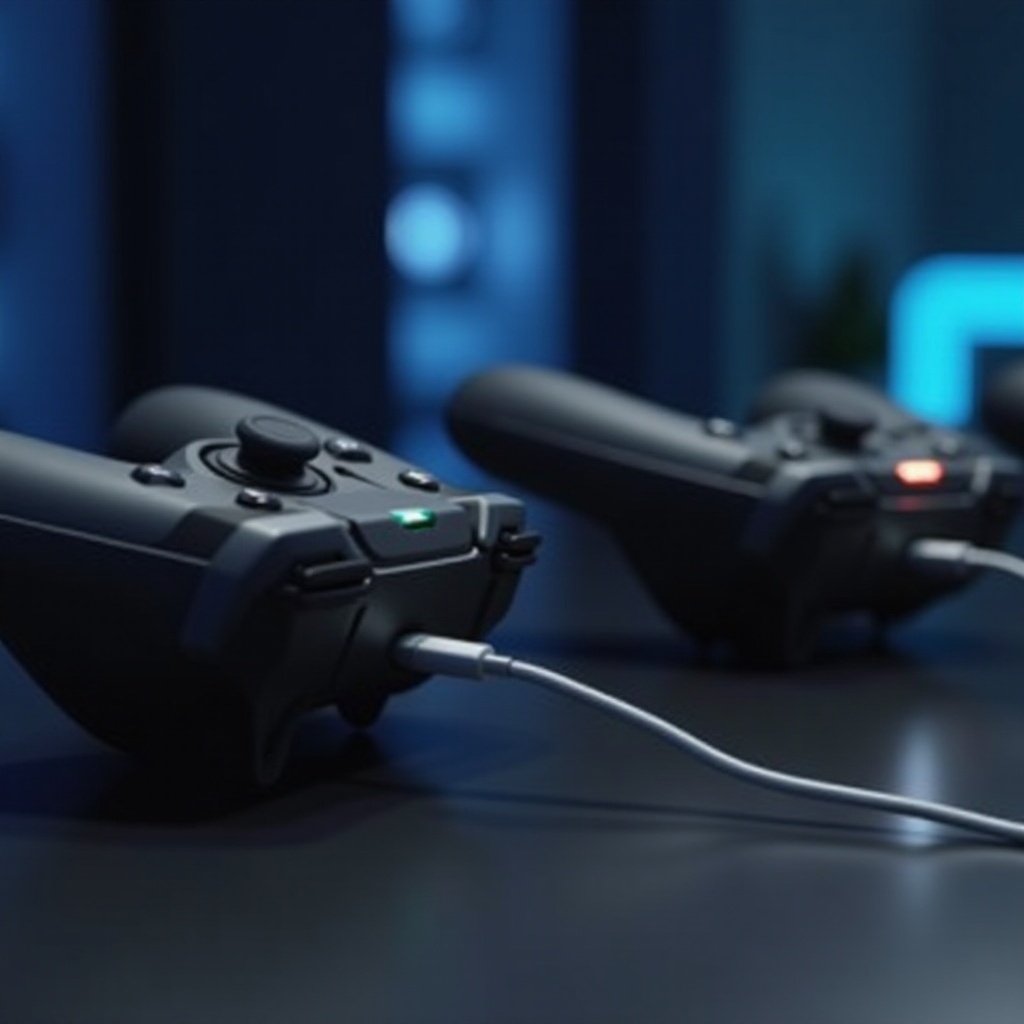
PSVR 2 vs. Other VR Controllers: Comparisons with devices like the Oculus Quest reveal similar 2 to 3-hour charge times, underlining PSVR 2’s competitiveness.
-
Advantages and Disadvantages: The non-removable battery can pose a longevity challenge, urging gamers to attentively manage the battery’s health.
Understanding how PSVR 2 compares helps you make informed convenience and performance-driven choices.
Future Trends in Controller Charging Technology
Manufacturers continually innovate to enhance controller charging capabilities. Upcoming trends are focusing on rapid charging and extended battery life, promising reduced downtime and longer gameplay sessions.
Conclusion
Proper charging habits are integral to maintaining an efficient, uninterrupted PSVR 2 gaming experience. By understanding charge time logistics and employing strategic practices, your controller can remain in optimal condition for countless gaming sessions. Stay proactive with your device’s needs to stay ahead in the gaming world.
Frequently Asked Questions
How long does it take to fully charge a PSVR 2 controller?
Typically, it takes about 2 to 3 hours to fully charge a PSVR 2 controller from a completely depleted state.
Can you use the PSVR 2 controller while charging?
Yes, you can use the controller while it’s charging, but this may extend the overall charging time.
What should I do if my PSVR 2 controller won’t charge?
Ensure your cables are not damaged and try different outlets. If the issue persists, consider reaching out to the customer support team for assistance.