Introduction
Maximizing the efficiency of your PS4 VR controller’s charging process is essential for uninterrupted gaming. This comprehensive guide explores the best charging practices, tools, and methods, ensuring that your controller remains powered up and ready for action whenever you are.
Understanding Your PS4 VR Controller Battery
In order to optimize how you charge your PS4 VR controller, it’s vital to understand the battery that powers it. Most PS4 VR controllers are equipped with lithium-ion batteries, valued for their longevity and efficiency. These batteries are gauged by their capacity, often in milliamp-hours (mAh), impacting how long they can sustain gameplay on a full charge. Typical battery life ranges from 500 to 1,000 charge cycles. By staying informed on battery health, you can anticipate replacements and avoid surprises during critical gaming moments.
Battery Specifications and Capacity
Understanding the battery capacity of your controller, usually between 800 and 1000mAh, will help you better manage your gaming time and charging schedule. Selecting compatible replacements when necessary is key to keeping your controller at peak performance.
Battery Life Expectancy
The battery lifecycle of a PS4 VR controller hinges on proper upkeep, typically lasting 500 to 1,000 charges. Keeping the battery maintained ensures fewer interruptions, extending its utility and reliability.

Effective Charging Methods for PS4 VR Controllers
Efficient charging techniques can significantly prolong your controller’s battery life. Utilizing the right charging method keeps your controller ready for extended gaming sessions.
Charging with a USB Cable
- Connect the USB cable to the controller, then plug it into a power supply.
- Ensure the connection is stable to prevent charging disruptions.
- Wait until the controller’s light bar indicates a full charge, which takes around 2-3 hours.
Utilizing Charging Dock Stations
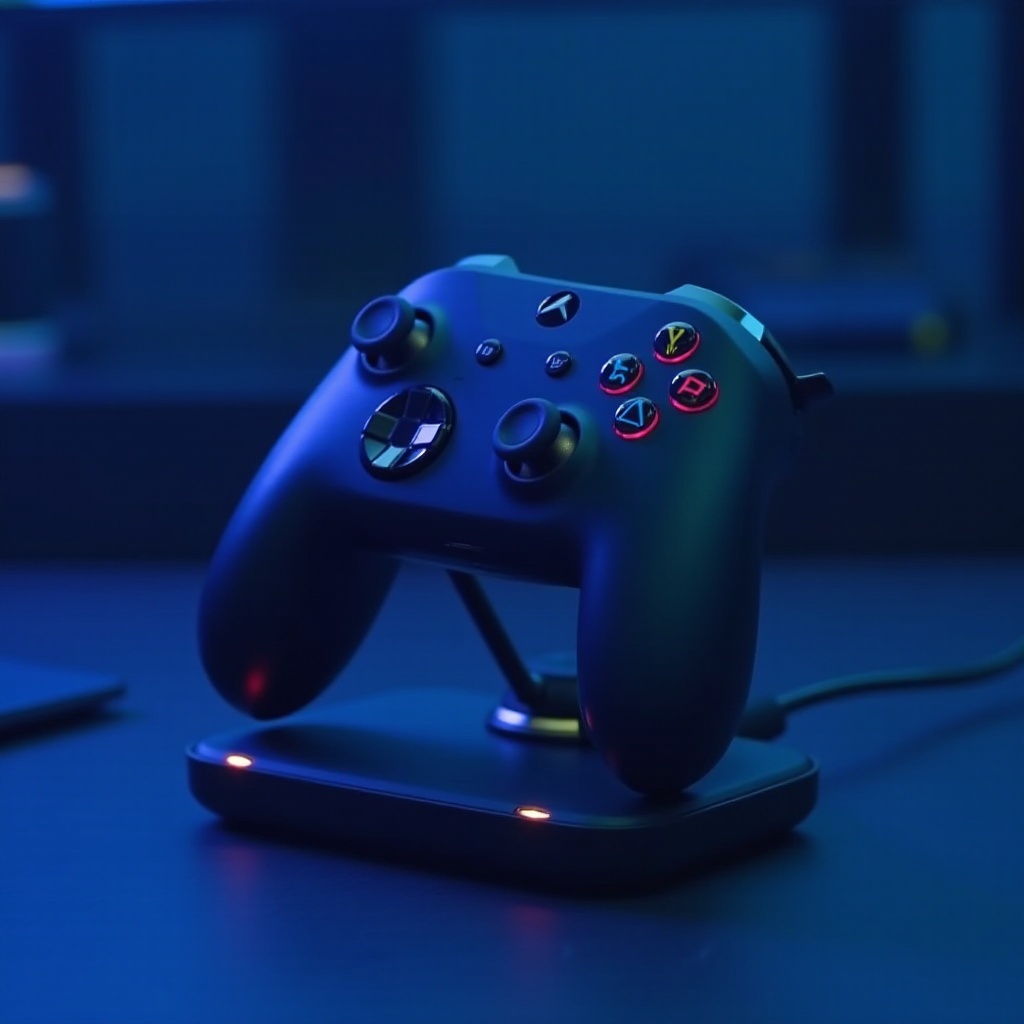
Charging docks provide an organized solution for charging multiple controllers. Simply align the controller on the dock to engage with the charging pins. Usually, docks have LED indicators to show the charging status, offering a hassle-free experience.
Best Practices for Maintaining Battery Health
To maximize battery longevity, follow these best practices. Properly caring for your battery not only extends its life but also keeps your controller ready for play at a moment’s notice.
Recommended Charging Practices
- Consistently charge your controller before the battery is entirely drained.
- Disconnect the controller once fully charged to avoid overcharging, which may harm the battery.
Mistakes to Avoid When Charging
- Avoid draining the controller completely, as it stresses the battery unnecessarily.
- Do not use low-quality or unauthorized charging cables, as they can damage the controller or pose safety risks.
Troubleshooting Common Charging Issues
Even with proper care, charging issues can occasionally arise. Here’s how to troubleshoot those issues to get back in the game quickly.
Identifying Charging Problems
- If the controller fails to charge, inspect the USB port for any obstructions such as dust or debris.
- Test the charging cable and power adapter by using them with another device.
Solutions and Fixes
- Use compressed air to clean the USB port.
- Swap out the charging cable or adapter if necessary, using a new or tested device.
Must-Have Charging Accessories for 2024
Well-chosen accessories enhance your charging setup, ensuring fast and reliable power-ups.
Top USB-C Cables
Select USB-C cables built with robust connectors for durability and fast charging capabilities. Quality cables provide secure and stable connections.
Best Charging Dock Options
Choosing the right dock involves looking for multiple charging slots for efficiency and LED status indicators for ease of use, ensuring your controllers are always ready.
Innovations in PS4 VR Controller Charging Technology
Keeping up with advancements in charging technology can mean faster, safer charging experiences.
Fast Charging Solutions
Leverage fast charging technology to cut down charge times. Ensure your charger is compatible with your controller to avoid any potential issues.
Safety Features in Modern Chargers
Modern chargers come equipped with safety features like overcharge protection and temperature monitoring, protecting your controller during charging sessions.
Conclusion
Mastering the art of charging your PS4 VR controller is pivotal for an enhanced gaming experience. By adopting effective methods, utilizing the right accessories, and understanding your battery, you’re set to enjoy gaming sessions with less downtime and more excitement.
Frequently Asked Questions
How long does it take to fully charge a PS4 VR controller?
It generally takes about 2 to 3 hours to fully charge a PS4 VR controller.
Can I use a third-party charger for my PS4 VR controller?
Yes, but it is crucial to use reputable brands to avoid potential damage.
How can I extend the battery life of my PS4 VR controller?
To extend battery life, regularly charge before depletion and avoid overcharging.